Digitise Invoicing with Ease: The TIMIFY Invoice App for SMBs

By Lukas Alberter
Updated: Published:

Simplify billing with the TIMIFY Invoice App. Create invoices from appointments, automate reminders, accept payments and improve cash flow effortlessly.
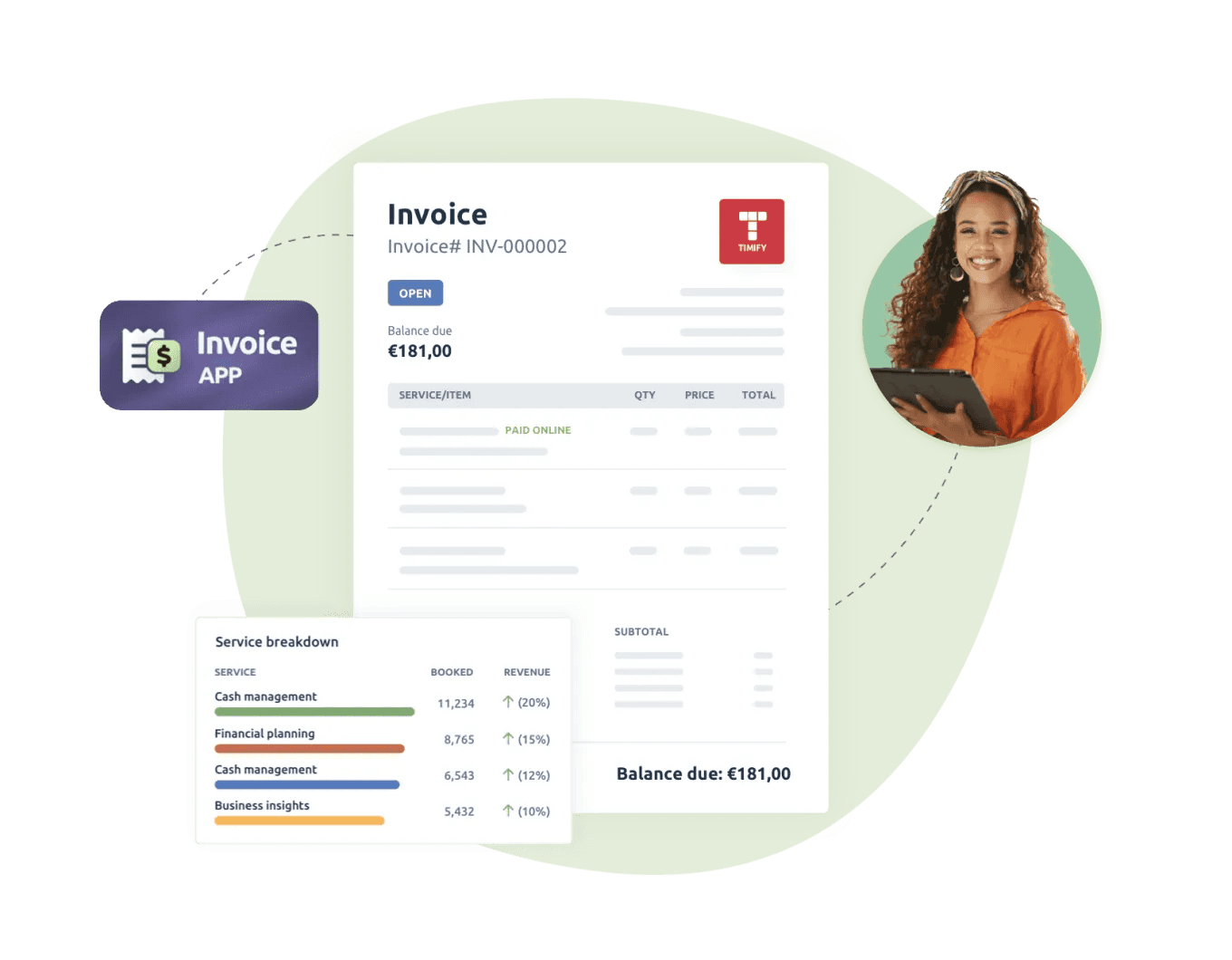

an invoice with a timify red logo on the top, the invoice app logo and a woman on the top right corner
Back

Why an Invoicing Software is important

For many small business owners, invoicing is one of those tasks that eats up valuable hours every week. Copying client details, formatting paper invoices or PDF invoices, and chasing overdue invoices all add up to lost time and slower cash flow. And when invoice tracking is handled manually, late payments and unpaid invoices can quickly become a headache.

That’s where digital invoicing makes all the difference. The TIMIFY Invoice App is an all-in-one invoicing solution built for small businesses that want to simplify their invoicing process. Instead of juggling separate invoicing software or accounting software, you can create and send professional invoices, set up recurring invoices, and even add automatic payment reminders—all directly from your TIMIFY calendar. Whether you need invoice templates, online payments, or recurring billing options, TIMIFY helps you send professional looking digital invoices and get paid faster.

Included free in the TIMIFY Enterprise Plan, this invoicing app goes beyond basic invoice creation: you can accept credit card payments, manage late payments, track key invoice data, and reconcile transactions without leaving the platform. For small business owners, that means less time chasing outstanding invoices and more time focusing on customers. With features like unlimited invoices, payment processing via card payments or bank payments, and seamless options for customers to pay invoices online, the TIMIFY Invoice App offers the best of digital invoicing in one place.

Who Is It For?

The TIMIFY Invoice App is designed for small business owners and service-based SMBs—think salons, wellness studios, personal trainers, therapists, and consultants. These businesses often run on back-to-back appointments, and every minute spent on invoice processing or chasing unpaid invoices is time taken away from clients. Many of them don’t use advanced accounting software, so they need an invoicing solution that’s straightforward, reliable, and built into the tools they already use.

With TIMIFY, they can create and send professional invoices straight from their scheduling platform, use ready-made invoice templates, and even set up recurring invoices for repeat clients. Automatic reminders help manage late payments, while invoice tracking and reporting features give small business owners a clear overview of key invoice data and cash flow. Whether it’s handling deposit requests, accepting credit card payments, or managing outstanding invoices across multiple currencies, this free invoice app makes it easy to keep control of the invoicing process and get paid on time.

Key Features & Benefits

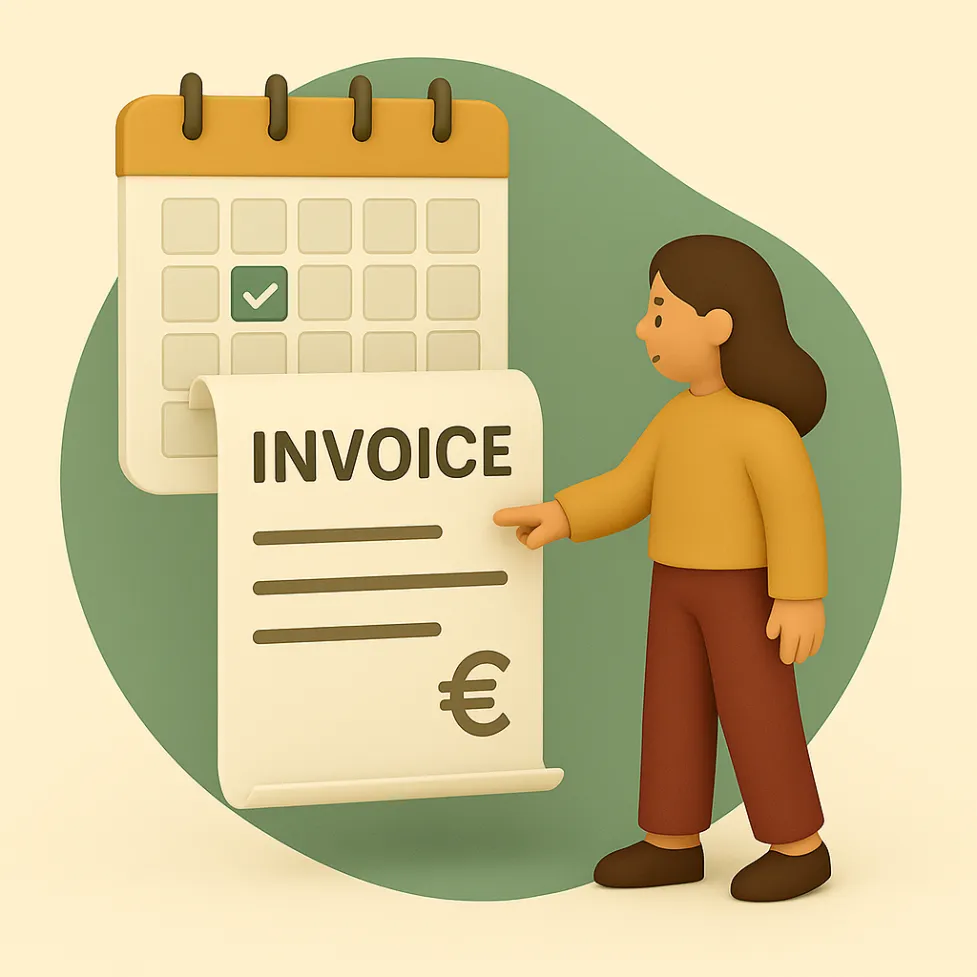
A 3D flat-style illustration of a woman pointing at an invoice emerging from a calendar, highlighting recurring invoices and billing directly from appointments.


1. Invoice Generation from Appointments

Create professional invoices instantly from your TIMIFY calendar. Whether it’s a single appointment, a group session, or a recurring booking, invoice creation takes just a few clicks and links directly to the right customer and service. This reduces invoice processing time and helps small business owners get paid faster.

2. Fully Customisable Branding & Layout

Send professional looking digital invoices that reflect your brand. Upload your company logo, adjust layouts, and personalise email invoices so every client interaction feels polished. Invoice templates make it easy to stay consistent while still adding your personal touch.

3. Tax & Discount Management

Easily set up tax rates, apply discounts, and handle location-specific VAT rules. This keeps invoice payments accurate and compliant—especially for businesses that manage multiple currencies or operate across regions.

4. POS Integration via SumUp

Accept payments on-site with SumUp, and the invoice status updates automatically to “Paid.” No more manual reconciliation or unpaid invoices slipping through the cracks—just smooth payment processing and improved cash flow.

5. Smart Dashboard & Archive

Stay on top of key invoice data with a fullscreen dashboard. Track outstanding invoices, filter by customer or date, and access a searchable archive for fast reporting. Invoice tracking is built in, so you always know what’s been paid and what’s overdue.

6. Automate the Entire Flow

Save time with automation. Set default payment terms, trigger automatic reminders, and generate recurring invoices without extra steps. With TIMIFY, your invoicing process runs in the background so you can focus on your clients.

How TIMIFY Invoice App Differs from Other Invoicing Tools

Most invoicing solutions work as standalone apps, which means small business owners end up switching between scheduling, client management, and billing platforms. The TIMIFY Invoice App is different because it’s built directly into the scheduling ecosystem. That integration makes the invoicing process faster, more accurate, and far less stressful.

  • Seamless calendar integration: Invoices are tied automatically to bookings, cutting down on duplicate data entry and making invoice creation effortless.
  • All-in-one solution: Manage appointments, clients, and invoice payments in one unified system without relying on separate invoicing or accounting tools.
  • Tailored for service industries: Built specifically for appointment-based businesses such as salons, wellness studios, and consultants, with recurring invoices and automated reminders designed around real operational needs.
  • POS connectivity: Through SumUp integration, card payments accepted on-site instantly update invoice status, reducing unpaid invoices and strengthening cash flow control.
  • Included in Enterprise Plan: Unlimited invoices and core invoicing functionality are included in the Enterprise Plan with no additional fees.

Real-World Use Cases

A 3D flat-style illustration of a hairdresser holding scissors while showing a paid invoice next to a client in a salon chair.
  • Hair & Beauty Salons: Replace paper invoices with professional digital invoices issued immediately after each appointment. VAT is applied automatically, and invoice tracking ensures every payment is recorded, improving financial oversight.
  • Wellness Studios: For group bookings or recurring sessions, generate recurring invoices or apply structured invoice templates. Custom tax and discount settings ensure consistent, accurate billing.

A 3D flat-style illustration of a consultant working with a client during an online or in-person consultation.
  • Consultants & Freelancers: Issue online invoices within minutes of completing a consultation. With automated reminders and multi-currency support, payments stay predictable regardless of client location.

Easy Setup in Minutes

A 3D flat-style illustration representing invoice tracking, approvals, and financial reporting.

1. Install the free Invoice App via the TIMIFY Marketplace.

2. Enter company information, tax configuration, and bank details.

3. Customise branding, define default payment terms, and configure automation settings.

4. Optionally connect SumUp POS to enable on-site card payments with automatic reconciliation.

5. Create invoices directly from your TIMIFY calendar and streamline your billing workflow.

Frequently Asked Questions (FAQs)

Is the Invoice App free to use?
Yes, it’s included in the TIMIFY Enterprise Plan at no additional cost.
Does it work in the Branch Manager?
No, the app is exclusive to the web interface.
Can I integrate it with other systems?
TIMIFY offers API access for custom integrations.
Can I use the Invoice App on mobile?
Currently, it’s available via the TIMIFY web app only.
What languages are supported?
English, German, Spanish, and French.

About the author

Lukas Alberter

Lukas embarked on his professional journey after earning a Bachelor and Master's degree in Learning Sciences and Educational Research and Management at Ludwig-Maximilians-Universität München. With hands-on experience across HR, recruitment, and educational roles—from tutoring to shaping hiring and organizational strategy at Limehome and Diakonie Rosenheim—he joined TIMIFY in a People & Culture capacity, where he now thrives as P&C Manager. Blending his academic background in learning systems with real-world HR initiatives, Lukas is dedicated to crafting an enriched workplace culture and employee experience at TIMIFY.

Related articles

Fashion membership private sales event with model presenting new collection, invitation-only booking card and styling appointment interface.
How Appontiment Scheduling Helps Your Membership Program
Learn more
Fashion membership private sales event with model presenting new collection, invitation-only booking card and styling appointment interface.
How Appontiment Scheduling Helps Your Membership Program
Learn more
Fashion membership private sales event with model presenting new collection, invitation-only booking card and styling appointment interface.
How Appontiment Scheduling Helps Your Membership Program
Learn more