What to Look For in a Booking Widget: 9 Must-Have Features for Modern Businesses

Updated: Published:
Discover the 9 essential features to look for in a modern booking widget. Learn how TIMIFY helps businesses streamline appointment scheduling, boost bookings, and deliver a seamless customer experience.

Lukas Alberter
People & Culture Manager at TIMIFY
Introduction
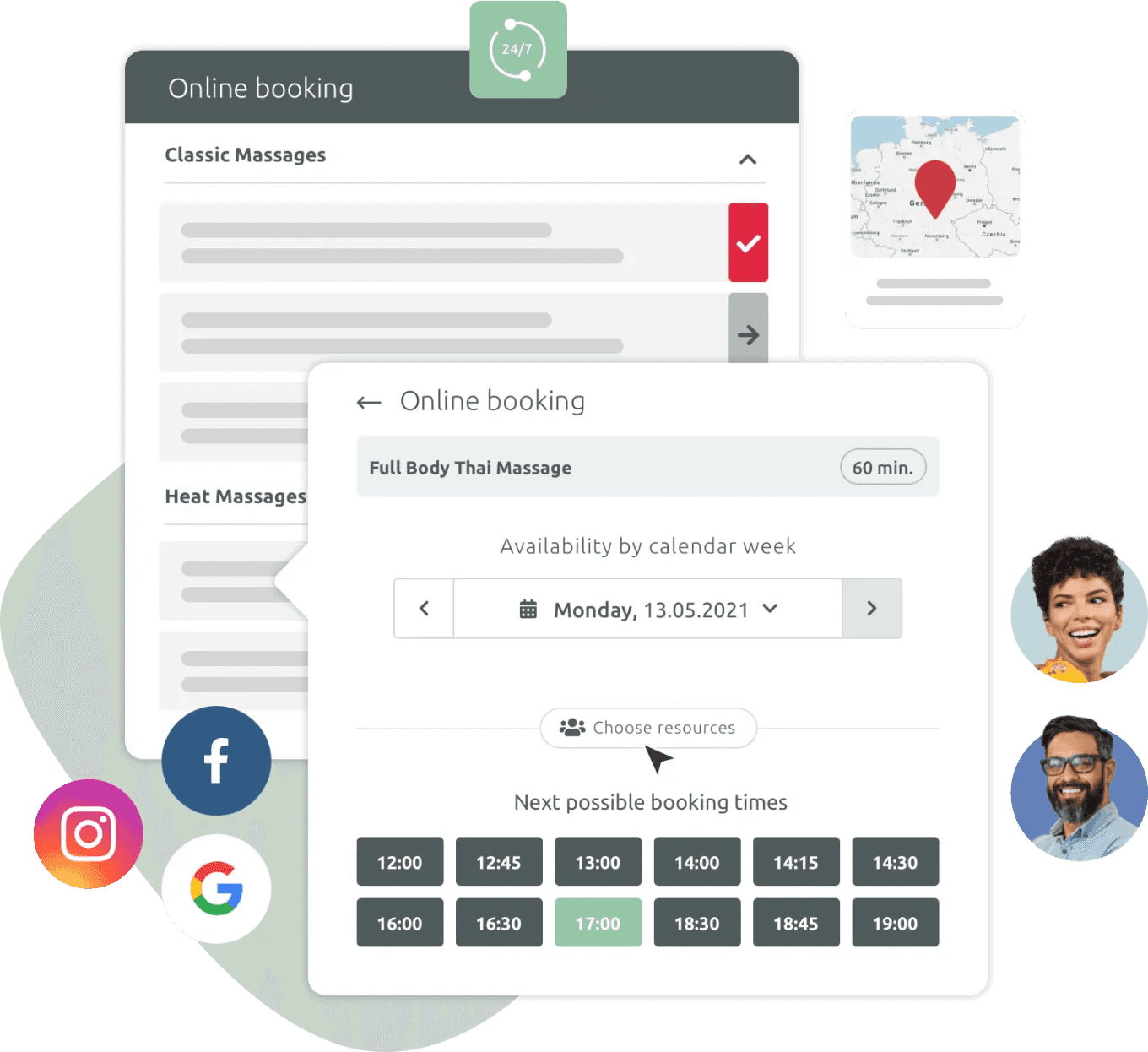
The booking widget has evolved into a critical part of every modern online booking system. It’s no longer just a simple booking form or booking calendar, it’s the engine that powers appointment booking, drives a seamless booking experience, and helps businesses accept bookings directly on their own website or landing pages. As business and consumer expectations grow, companies need an appointment booking widget that shows real‑time availability, prevents double booking, and makes it easy for clients to book appointments in just a few clicks.
If you’re evaluating a new appointment widget or considering switching your current scheduling software, this guide will walk you through the most important features to look for in a modern booking widget – and show how TIMIFY enables easy scheduling, more bookings, and a truly seamless booking process.
1. Multi-Language & Time Zone Support for Better Booking Experiences
If you serve clients across borders, your appointment booking widget must offer multi-language support and automatic time zone detection. This ensures your booking page is accessible and accurate for every user. It helps you scale globally with confidence.
2. Brand Customisation for a Consistent Booking Page
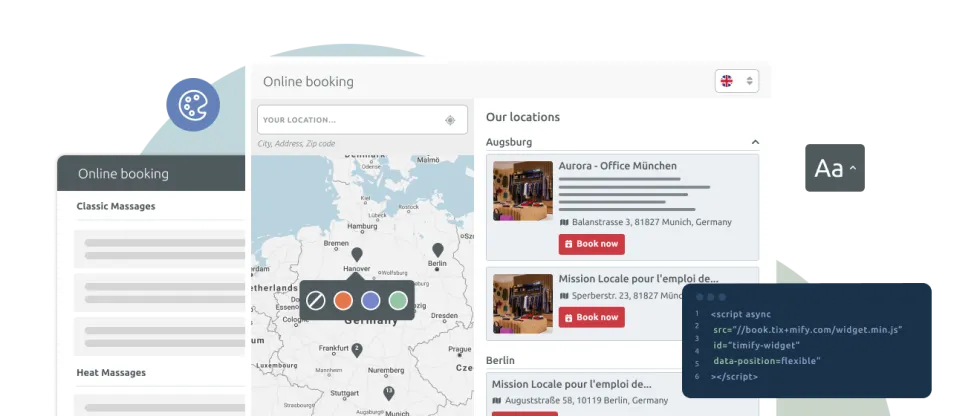
Your booking widget should look and feel like an extension of your brand—not a third-party plugin. Choose a solution that lets you customise your booking page with your logo, brand colours, fonts, and layout. A fully branded appointment booking widget enhances trust, improves conversions, and creates a consistent experience across your website.
3. Smart Booking Flow with Attributes & Parameters
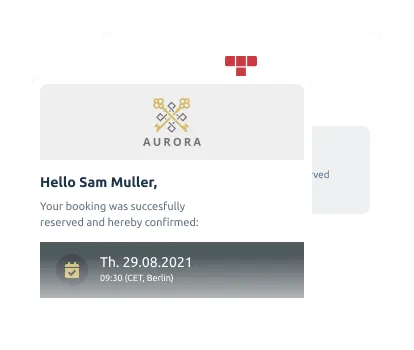
Every business is different, and your booking widget should reflect that. Look for a tool that supports custom questions, service-specific fields, resource-level attributes, and URL parameters. These features allow you to personalise the booking process, collect relevant data, and streamline scheduling for both your team and your customers.
4. Pre-Filled Customer Data for Easy Scheduling for Returning Users
For returning clients, speed matters. A smart appointment booking widget should recognise repeat users and automatically fill in known details like name, email, or preferences.
5. SEO, Speed & Tracking Ready Booking Widget
Your booking widget should work hand-in-hand with your digital marketing strategy. Look for one that’s fast-loading, mobile-responsive, and fully indexable for SEO. Integrations with tools like Google Pixel, Meta, and analytics platforms help you track performance, optimise campaigns, and convert more site visitors into appointments.
6. Slot Reservation: Prevent Double Bookings in Your Booking Calendar
Prevent scheduling conflicts and ensure a smooth booking process by reserving time slots during checkout. A smart booking system like TIMIFY temporarily holds selected appointment slots, reducing the risk of double bookings and improving the customer experience, especially during peak times.
7. Online Payments
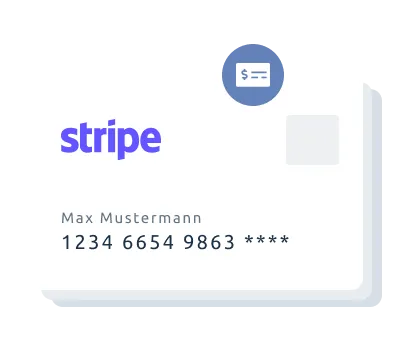
Simplify your booking process by accepting secure online payments upfront. This not only helps reduce no-shows but also guarantees commitment and improves cash flow—making your appointment scheduling software more efficient and reliable.
8. Resource Selection (People, Locations, Equipment)
Give your customers the freedom to choose who or what fulfils their service, be it a specific staff member, consultant, room, or equipment. A flexible appointment booking widget like TIMIFY allows for easy resource selection, improving personalisation and giving clients more control over their booking experience.
9. Smart Links for Personalized Booking Pages
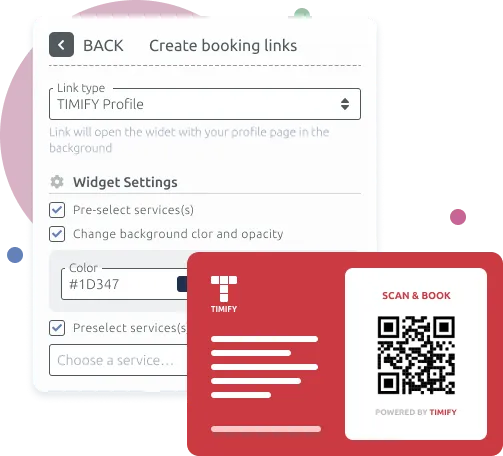
TIMIFY’s Smart Links let you create private, customised booking pages with pre-defined services, staff, and availability. Share them with specific clients, teams, or for marketing campaigns—without showing these options on your public booking widget. It’s a simple way to personalise the booking experience, streamline scheduling, and keep your main booking system organised.
Conclusion
Today’s businesses need more than a basic calendar. They need a smart, flexible appointment booking widget that adapts to customers and teams alike. From branding to integrations, and from slot control to personalisation, the right booking system can transform how you manage appointments and engage clients.

Related articles



Tips & Resources
How Healthcare Providers Balance Routine and Onsite Appointments with TIMIFY Smart Links
25 September, 2025

Tips & Resources
Appointment Scheduling Beyond the Calendar: Where We’re Heading in the Next 5 Years

08 January, 2026